
Great Video Capture Device with Features
|
|
|
|
|
|---|---|---|---|
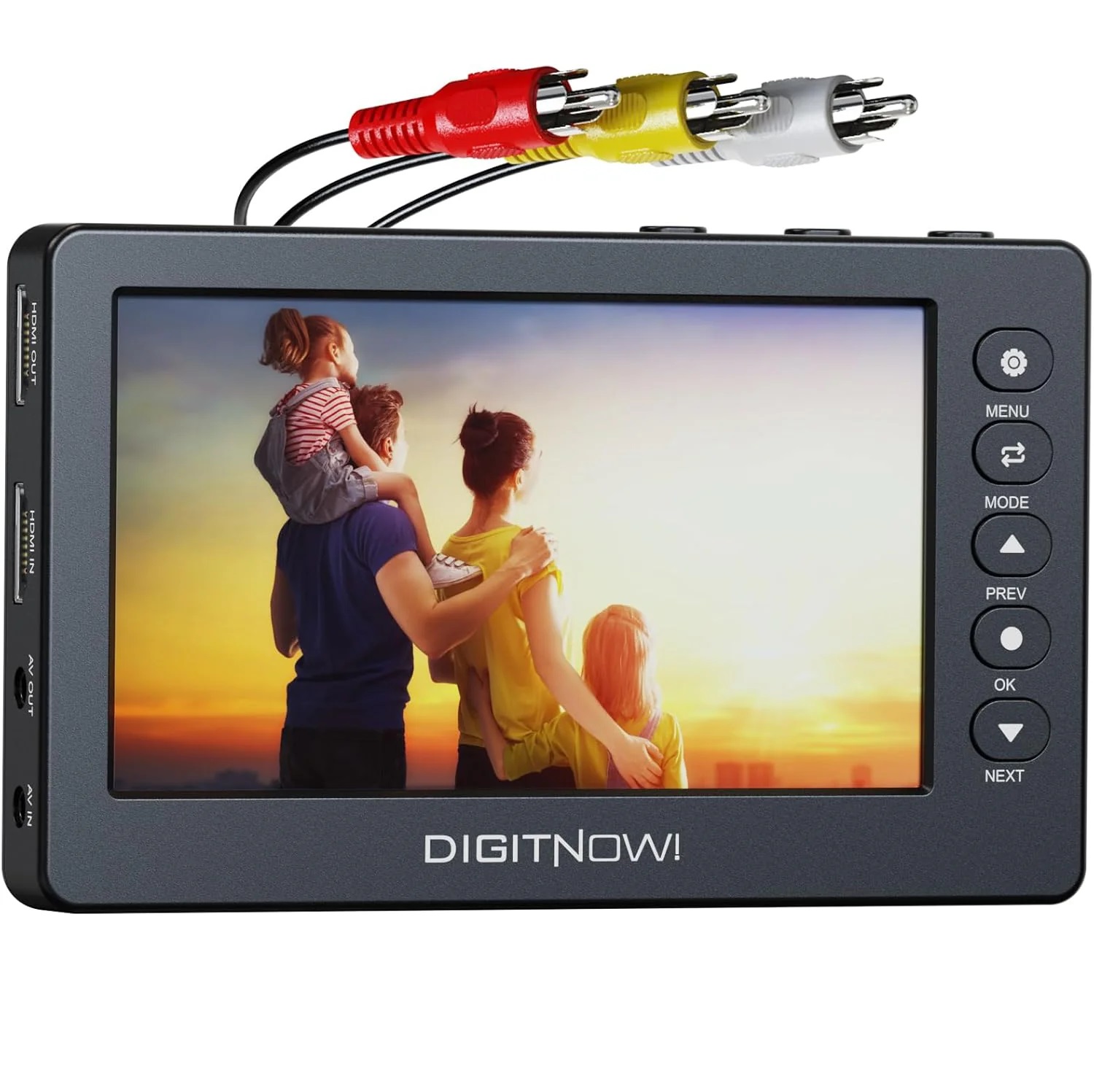
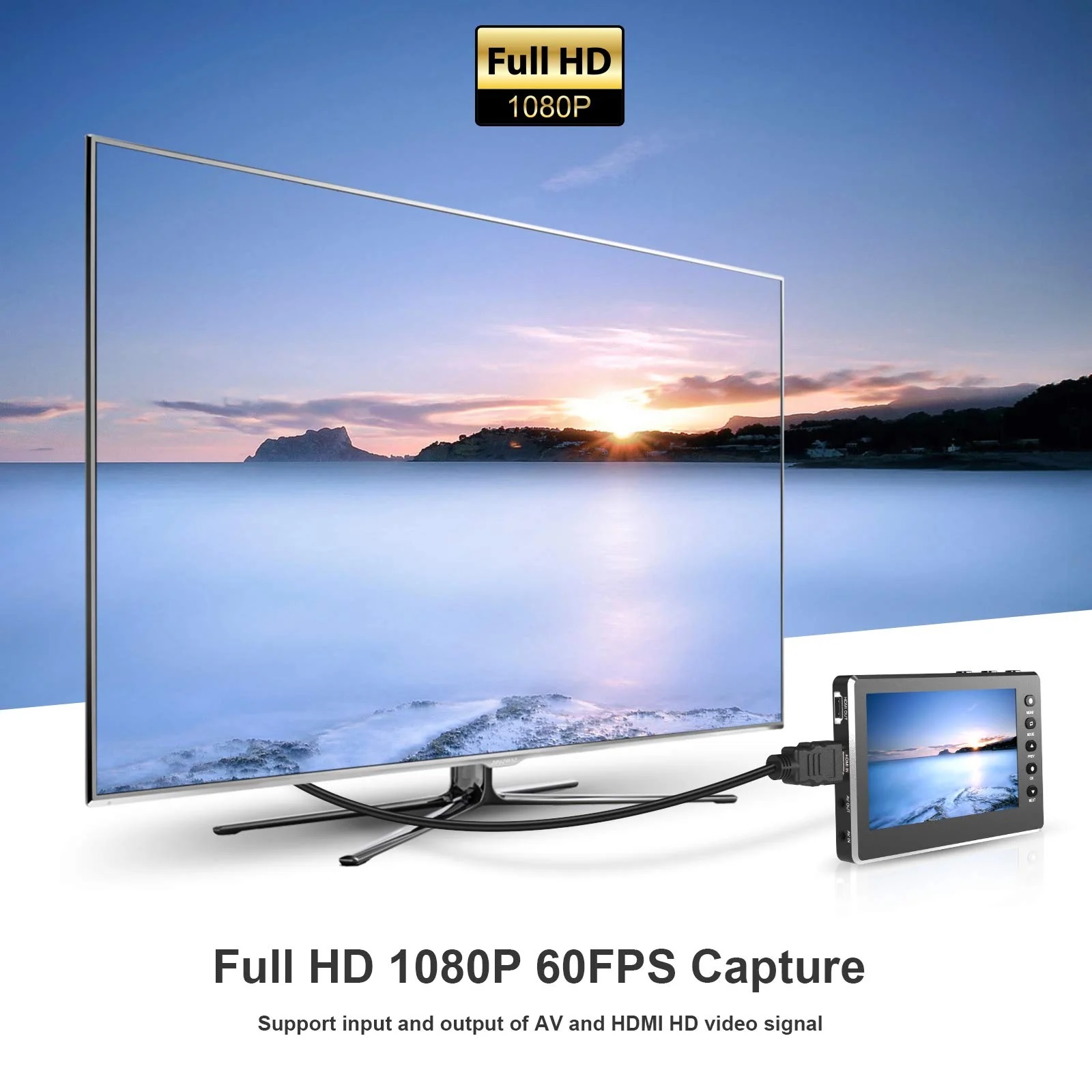
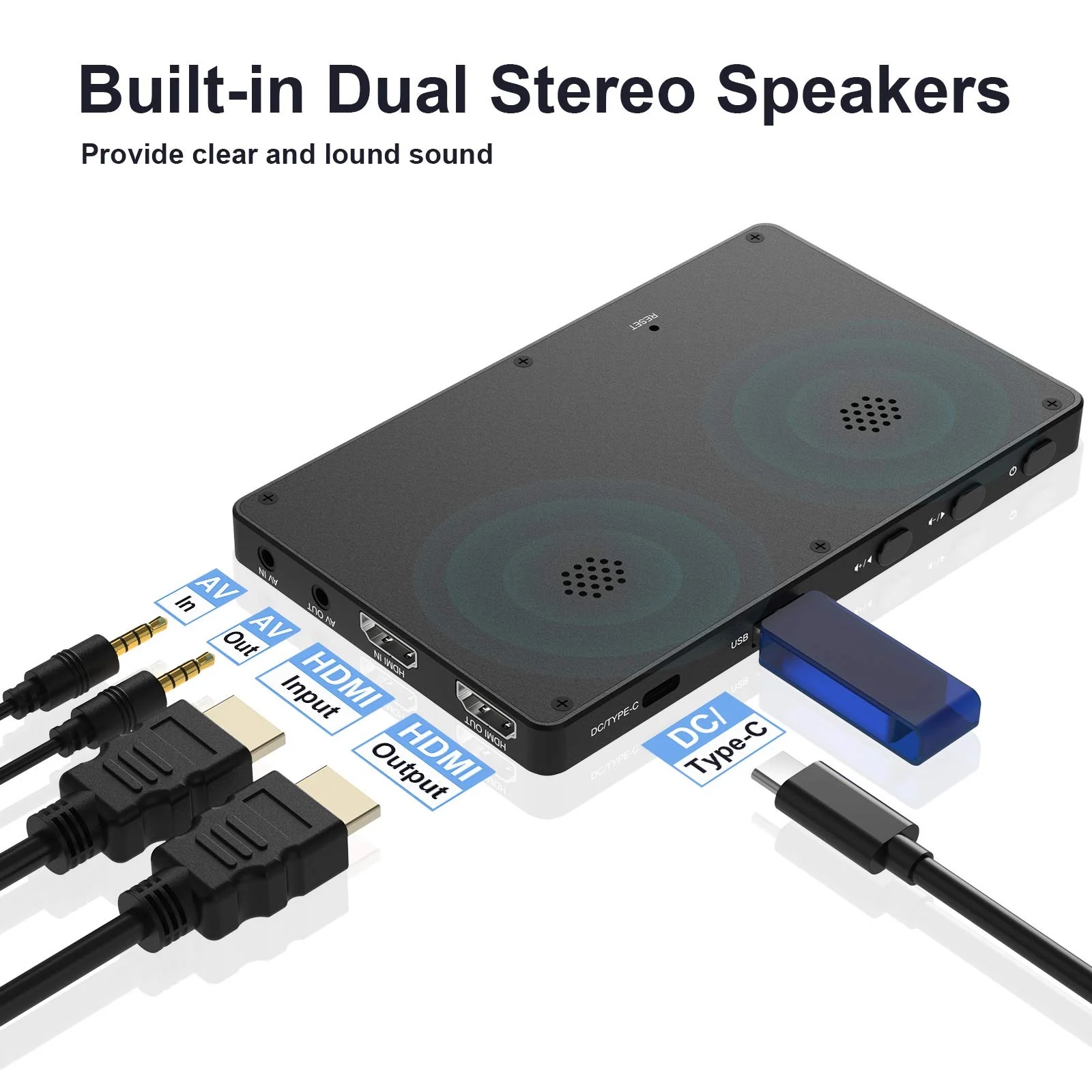
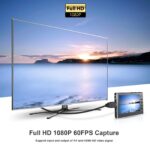
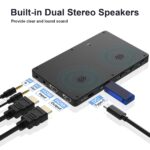
Built-in Full Stereo SpeakersSupport the Input and output of AV and HDMI HD 1080P Video Signal. With 3.5mm video input or output ports, and built-in stereo speakers allow you to preview the audio & video. |
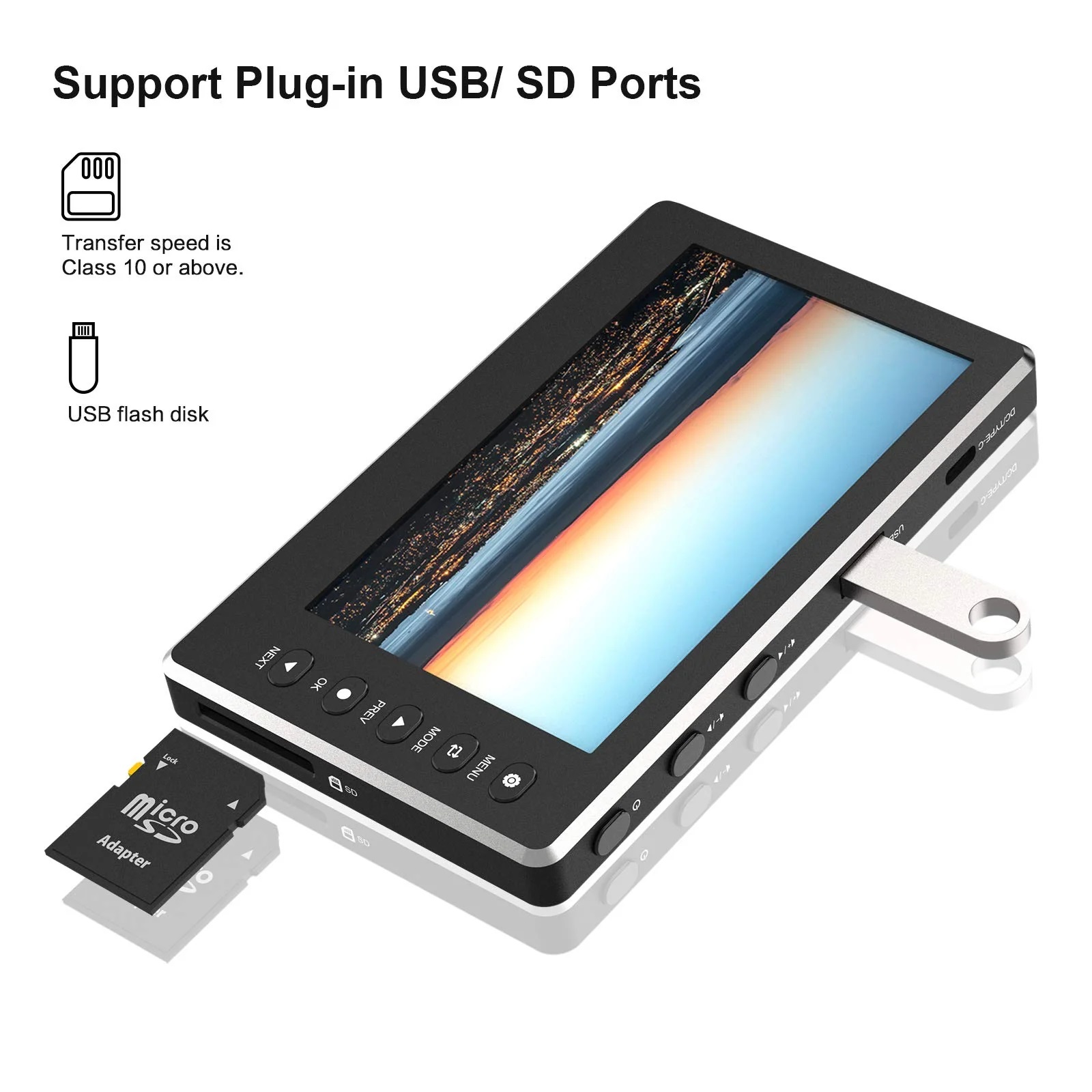
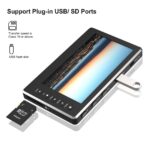
Default Storage DeviceUse a USB flash drive or SD card with a maximum capacity of 128G for saving, make sure they are formatted as FAT32 or exFAT. SD cards with speed class 10 or higher are recommended. |
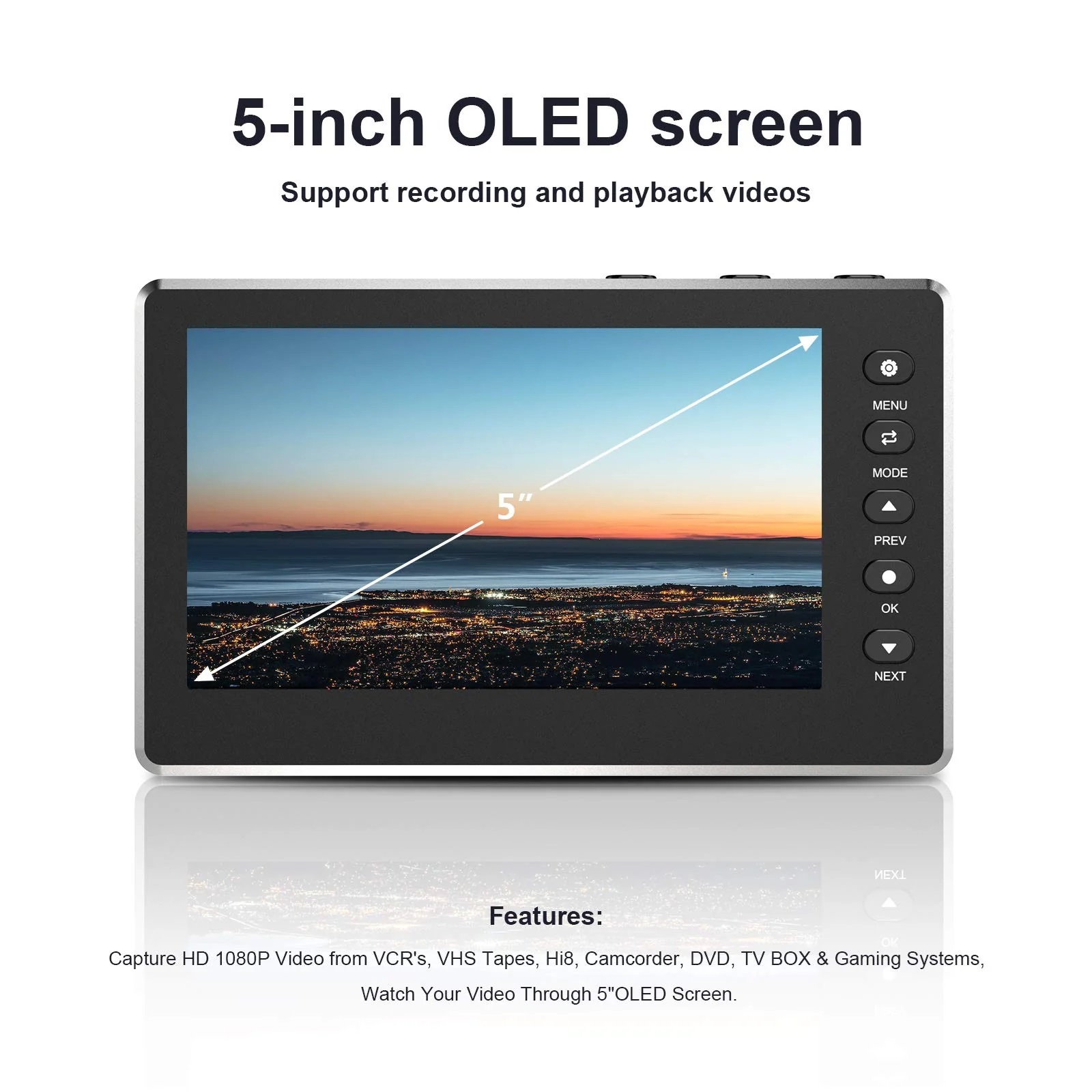
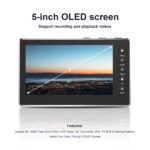
Wide CompatibilityCapture HD 1080P Video from VCR’s, VHS Tapes, Hi8, Camcorder, DVD, TV BOX & Gaming Systems, Watch Your Video Through 5″OLED Screen. |
SettingsTiming Recording and Date stamp. 8 languages available. Can set the automatic stop recording time. Can format the storage devices. Can choose NTSC or PAL Standard TV format output. |


Simple to use, easy to operate, plug and play
|
|
|
|
|
|---|---|---|---|
|
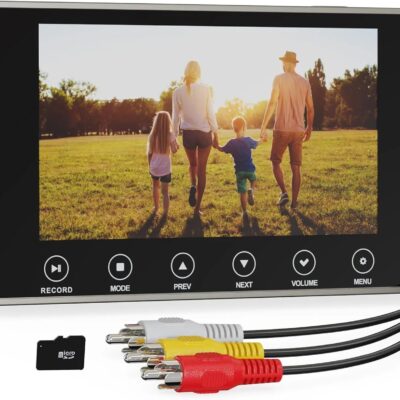
According to the input video source, press the “PREV” button to switch to select HDMI input or AV input. |
When the video picture appears, press the “OK” recording button to start. The counter in the top right-hand corner of the screen turns red. |
Short press the “NEXT” button to close the status bar and display the full screen, and short press the “NEXT” NEXT button again can restore the display of status bar. |
Short press the”OK” recording button again to stop recording. |






Reviews
There are no reviews yet.